Many of my users open a law reference or a prayer guide in a lift, on a bus, in a village with one bar of signal, or on a prepaid data plan they are trying to save. An app that shows a spinner whenever the network drops feels broken, even when the content is not. For reference apps the content is the product, so it should be there first.
That is why I build offline-first. This is what the idea means in practice, the choices I make, and the checks I run before a release.
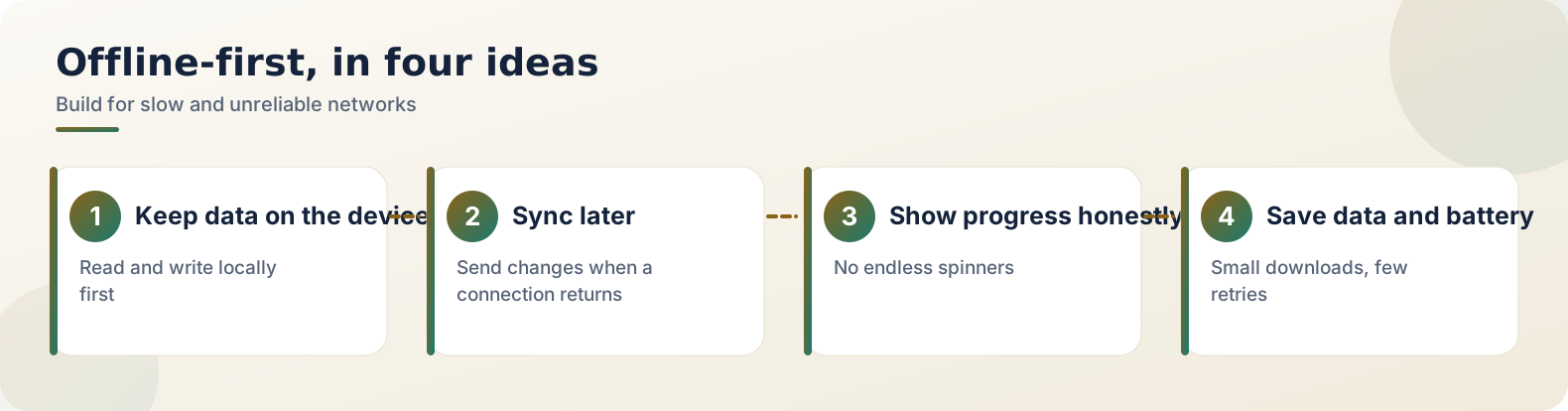
Part 1: The problem with "online by default"
Apps built on the assumption of a fast, constant connection fail in the places many people actually use them. A blank screen and a spinning wheel make users blame the app, and they rarely wait. Google's own guidance on this approach is in the Android documentation on building offline-first apps, which is worth reading even if you build for another platform.
Part 2: Ship the content with the app
For books, laws and similar reference material, I bundle the content in the app or download it once and keep it in a local database. The app then opens instantly and works in aeroplane mode. The cost is size, so I split content into packs and let people download only what they need.
- Bundled: small, stable content that everyone needs.
- Downloadable packs: large collections, fetched once on Wi-Fi.
- Updates: small deltas instead of a full re-download.
Part 3: Search that does not need a server
Search is where many apps quietly depend on the network. A local database with full-text search, such as SQLite FTS, gives instant results on the device. Index the content when it is downloaded, not every time the user types, and keep result lists short and fast.
Part 4: Be honest when something is stale
Some things do need a network: updates, sync, a new pack. When the network is missing, show the saved content instead of an empty screen.
Part 5: Keep the app light
Slow networks are often paired with older, low-memory phones. Keep the install small, avoid heavy libraries for simple jobs, compress images and test on a low-end device. Fewer permissions and fewer SDKs also mean a faster start and fewer things that can fail, and they make your privacy policy shorter and easier to get right.
Part 6: What I check before release
- Aeroplane mode: turn it on and use every main screen.
- Throttle the connection: watch for timeouts and half-loaded screens.
- Oldest phone: install on the oldest device I have.
- First screen: check that it is useful within a couple of seconds, with or without a network.
| Situation | What the app should do |
|---|---|
| No network | Open and work from saved content |
| Slow network | Show saved content, update in the background |
| New content available | Offer a download, never force it |
| Storage low | Explain, and let the user remove packs |
Frequently asked questions
Does offline-first make apps too big?
It can, which is why large content is split into packs that users download only if they need them.
Is offline-first only for reference apps?
No. Notes, to-do lists and many tools benefit too, because they should never lose your work when the signal drops.
How do I keep data in sync?
Keep a local copy as the source for the screen, and sync changes in the background when a connection returns.
What is the source of truth in an offline-first app?
The local database. The Android guide from Google describes the local source as canonical, with the network treated as a secondary source that updates it.
How do I sync changes made offline?
Queue the writes locally, for example in a Room table, and send them in the background with WorkManager when a connection returns. Never block the user while waiting.
Official and outside resources:
Related reading
- How to publish your first Android app on Google Play: taking an app from your phone to the Play Store
- SEO for a new website: what actually matters in the first 90 days: speed and phones matter on the web too
A good offline-first app feels calm. It opens, it works, and it does not make the user wonder about their signal.